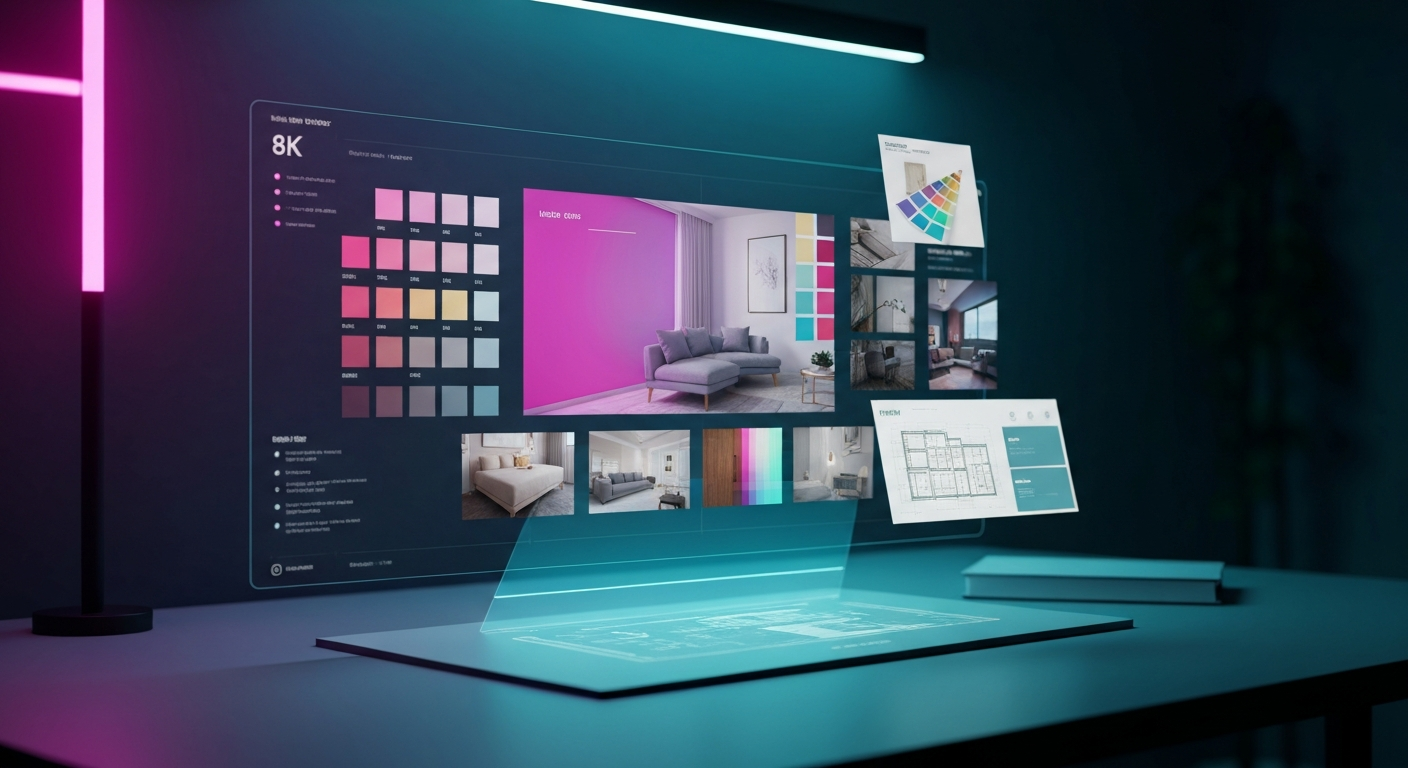
Translating a vague vision into a cohesive room design often feels like a puzzle missing half its pieces. Fortunately, the emergence of generative technology has shifted the landscape, making the best AI tools for interior design mood boards essential for both professionals and DIY enthusiasts who want to visualize spaces instantly.
Why Use AI for Interior Design Mood Boards?
Traditional mood boarding involves hours of scrolling through Pinterest, clipping images, and painstakingly editing them in software like Photoshop or Canva. While manual curation has its charm, it is undeniably slow.
AI changes the workflow by acting as a creative partner. Instead of searching for the perfect “mid-century modern velvet armchair,” you can prompt an AI to generate an image of that exact piece within a specific room context. This capability allows designers to:
- Iterate rapidly: Test five different color palettes or furniture styles in minutes.
- Bridge the gap: Help clients visualize abstract concepts before physical samples are ordered.
- Achieve photorealism: Create high-fidelity mockups that look like professional architectural photography.
- Reduce costs: Visualize expensive changes before committing to physical purchases or structural renovations.
Top AI Tools for Interior Design Mood Boards
Not all tools are built the same. Some excel at architectural rendering, while others are purpose-built for decor and color palettes. Here are the top performers in the space.
1. Midjourney: The Gold Standard for Concept Art
Midjourney is widely considered one of the best AI tools for interior design mood boards due to its unparalleled artistic quality. It excels at interpreting complex prompts regarding lighting, texture, and mood.
- Best for: High-end conceptual visualization and artistic inspiration.
- Workflow tip: Use “image prompts” by uploading a photo of your existing room. Ask the AI to “restyle this room in a Scandinavian minimalist aesthetic,” and it will maintain the room’s geometry while updating the decor.
2. Planner 5D: The Structural Powerhouse
Unlike pure image generators, Planner 5D offers an AI-powered design assistant that understands floor plans. It is ideal for those who need to move beyond simple collages into actual 3D space planning.
- Best for: Spatial planning and layout accuracy.
- Workflow tip: Use the “Smart Wizard” to automatically suggest furniture layouts based on the dimensions of your room.
3. RoomGPT: Simplicity in Transformation
RoomGPT is designed specifically for home makeovers. You upload a photo of a room, select a theme (e.g., Industrial, Zen, Modern), and the AI renders the space in that style.
- Best for: Quick, low-effort room transformations.
- Workflow tip: Use this to test wall colors or flooring types before visiting a hardware store.
4. Adobe Firefly (integrated into Photoshop)
For those already comfortable with professional design software, Adobe Firefly’s “Generative Fill” is a game changer. You can select an area of a mood board and simply type, “add a potted fiddle leaf fig,” or “change the sofa to cognac leather.”
- Best for: Precise, professional-grade editing.
Comparison Table: AI Tools at a Glance
| Tool | Focus | Ease of Use | Best For | | :— | :— | :— | :— | | Midjourney | Artistic Quality | Moderate | Conceptual mood boards | | Planner 5D | Space Planning | Moderate | Structural layout design | | RoomGPT | Room Transformation | Easy | Quick visual makeovers | | Adobe Firefly | Precision Editing | Advanced | Professional retouching |
How to Build a Mood Board Using AI: A Step-by-Step Guide
Creating a professional-looking mood board doesn’t require a design degree. Follow this workflow to maximize efficiency:
- Define the Vibe: Before opening any software, write down three keywords for your space (e.g., “Warm, Earthy, Minimalist”).
- Generate Base Assets: Use Midjourney or similar tools to generate “hero” images. Prompt for specific furniture styles and lighting conditions.
- Use a Canvas Tool: Import your AI-generated assets into a layout tool like Canva or Figma.
- Extract Color Palettes: Use an AI color generator to pull hex codes from your generated images to ensure consistency.
- Refine with In-painting: If a chair in your mood board doesn’t quite match the wall color, use an AI in-painting tool to adjust the hue of that specific object.
Avoiding Common Pitfalls
While the best AI tools for interior design mood boards are powerful, they are not infallible. Users often encounter “hallucinations”—where the AI creates impossible furniture (like a chair with three legs) or distorted textures.
To avoid this, treat AI as a starting point. Use it to generate the atmosphere and layout, but supplement it with real-world product links (Wayfair, West Elm, etc.) to ensure your design is actually purchasable. Never assume an AI-generated piece of furniture exists in real life unless you have verified it via a reverse image search.
FAQ
Can AI design an entire room for me?
While AI can suggest layouts, color schemes, and furniture, it cannot account for structural engineering, building codes, or the “human feel” of a space. It is best used as a tool to assist your decision-making, not to replace the need for physical planning.
Do I need to be a professional designer to use these tools?
Not at all. Most of these tools are designed for non-professionals. With basic prompt-writing skills, you can achieve results that look like they came from a design firm.
Are these tools free?
Most AI tools operate on a “freemium” model. You can usually generate a limited number of designs for free, but high-quality, unlimited access typically requires a subscription.
How do I ensure my mood board stays cohesive?
The secret is consistency in your prompts. When generating images for a single board, include the same core keywords (e.g., “warm lighting,” “neutral palette”) in every prompt to ensure the AI maintains a consistent visual language across all items.
Conclusion
The best AI tools for interior design mood boards have democratized the creative process, allowing anyone to bridge the gap between imagination and reality. By leveraging these technologies, you can iterate faster, visualize complex arrangements with ease, and ultimately design spaces that feel intentional and personal. Start by selecting one tool that fits your specific needs—whether it is high-fidelity art or floor-plan precision—and begin transforming your space today.